Cookie types
Linken Sphere is compatible with two main cookie formats: Netscape (.txt) and JSON (.json).
Both formats can be used to import and export data manually or via API.
Netscape (.txt)
Classic format. One line - one cookie. Fields are separated by tabs.
invisible text for space
Netscape example:
.youtube.com TRUE / TRUE 1778164221 __Secure-YEC CgsyZlNpMVJNOEJrMCiAw8-
JSON (.json)
A modern format. Cookies are stored as an array of objects.
invisible text for space
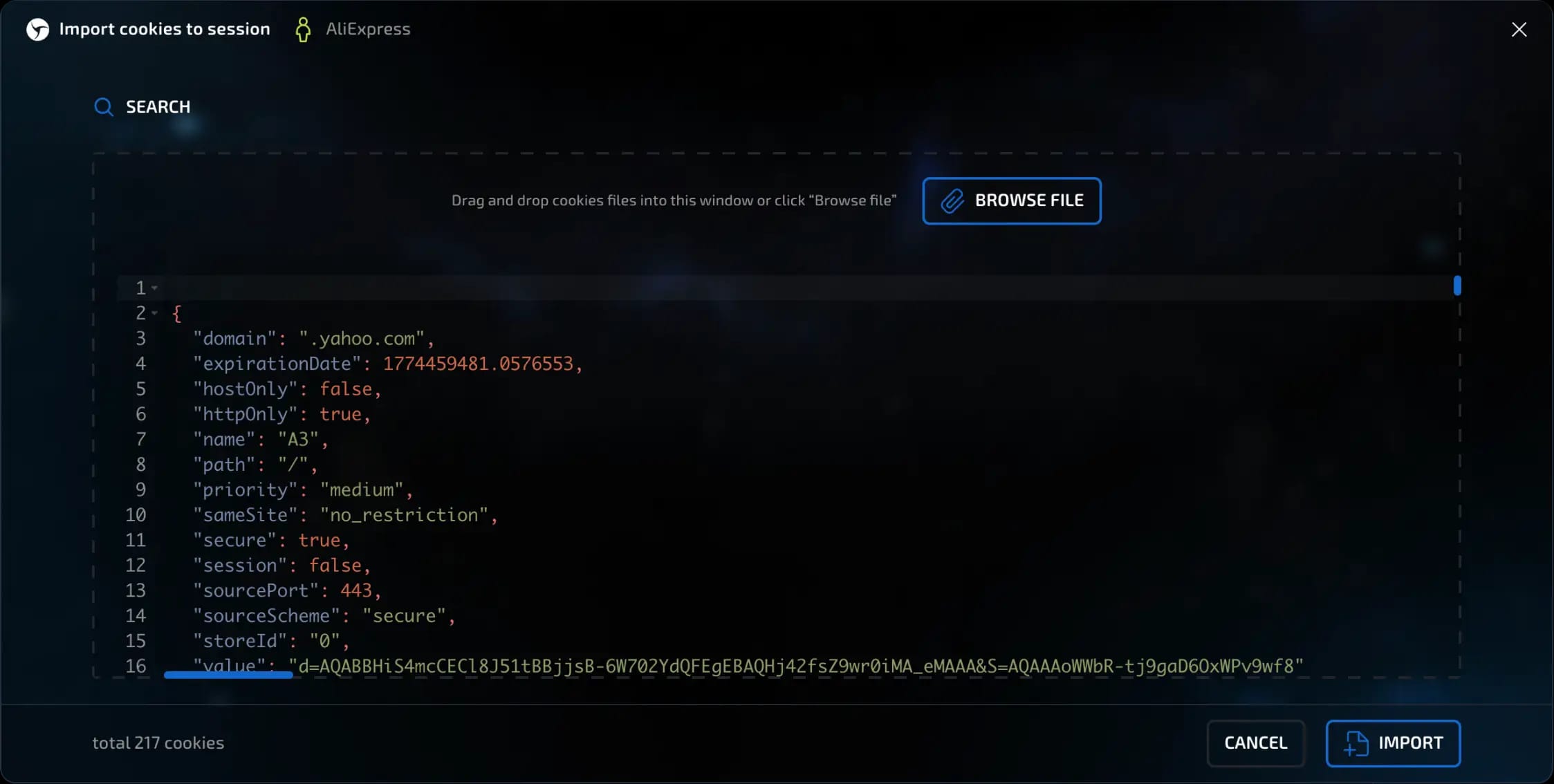
JSON example:
[{
"domain": ".youtube.com",
"expirationDate": 1778164221.1763191,
"hostOnly": false,
"httpOnly": true,
"name": "__Secure-YEC",
"path": "/",
"priority": "medium",
"sameSite": "lax",
"secure": true,
"session": false,
"sourcePort": 443,
"sourceScheme": "secure",
"storeId": "0",
"value": "CgsyZlNpMVJNOEJrMCiAw8-_BjInCgJOTBIhEh0SGwsMDg8QERITFBUWFxgZGhscHR4fICEiIyQlJiBU"
}]
Additional cookie features in Linken Sphere
Extending expired cookies
Linken Sphere allows you to automatically extend the validity period of expired cookies.
To enable or disable this feature:
Click on the gear icon at the top of the interface to open the settings.
Scroll down to the "Data" section.
Find the "Extend expired cookies" option.
invisible text for space
This feature is enabled by default, but you can disable it if necessary.

Cookie validation during import
When importing cookies, Linken Sphere automatically checks their validity:
Incorrect or duplicate entries are deleted.
Only valid cookies are loaded into the system.
invisible text for space
For example, if you imported 1,000 cookies and only 800 are displayed in the system, this is the result of automatic validation.
Previous page
Next page