Hotkeys
To increase the speed of working with Sphere, you can use hotkeys.
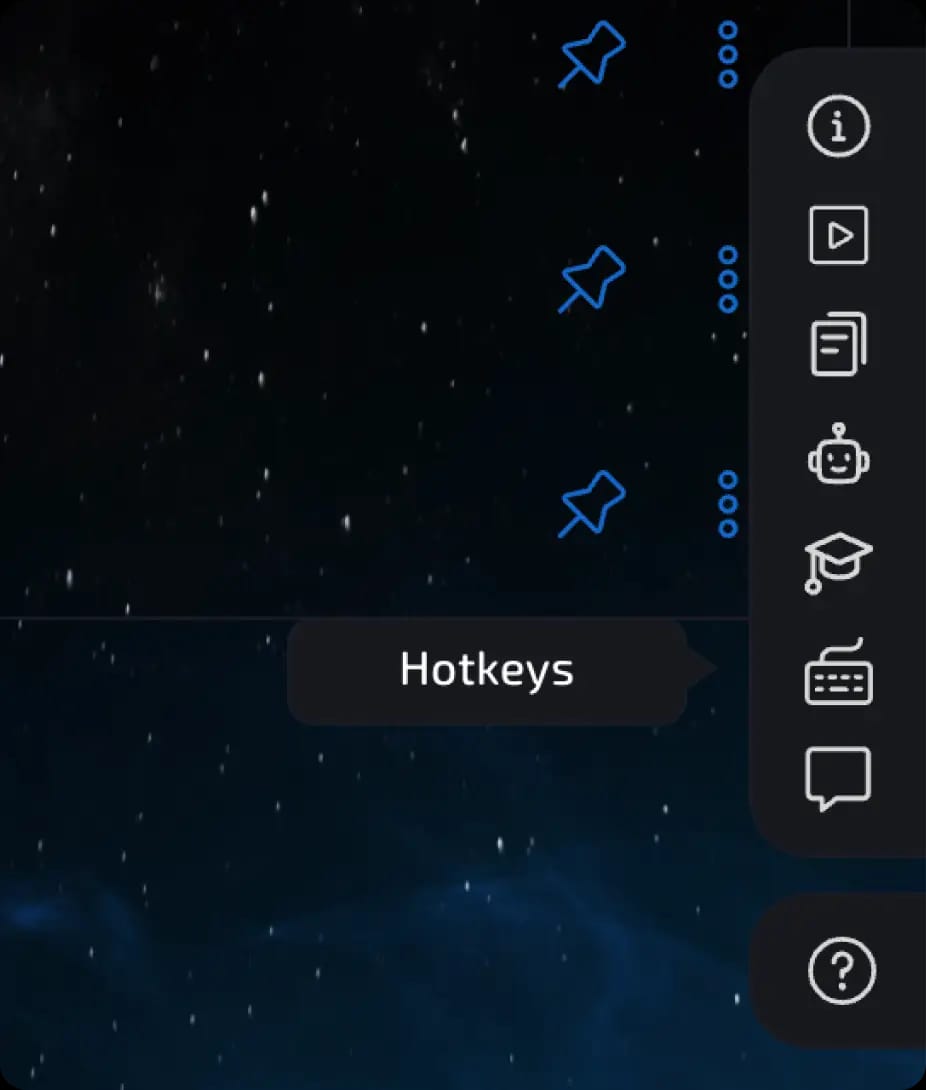
To view the hotkey combinations, open the "Help Center" (the "?" icon in the lower right corner) and select the appropriate section.
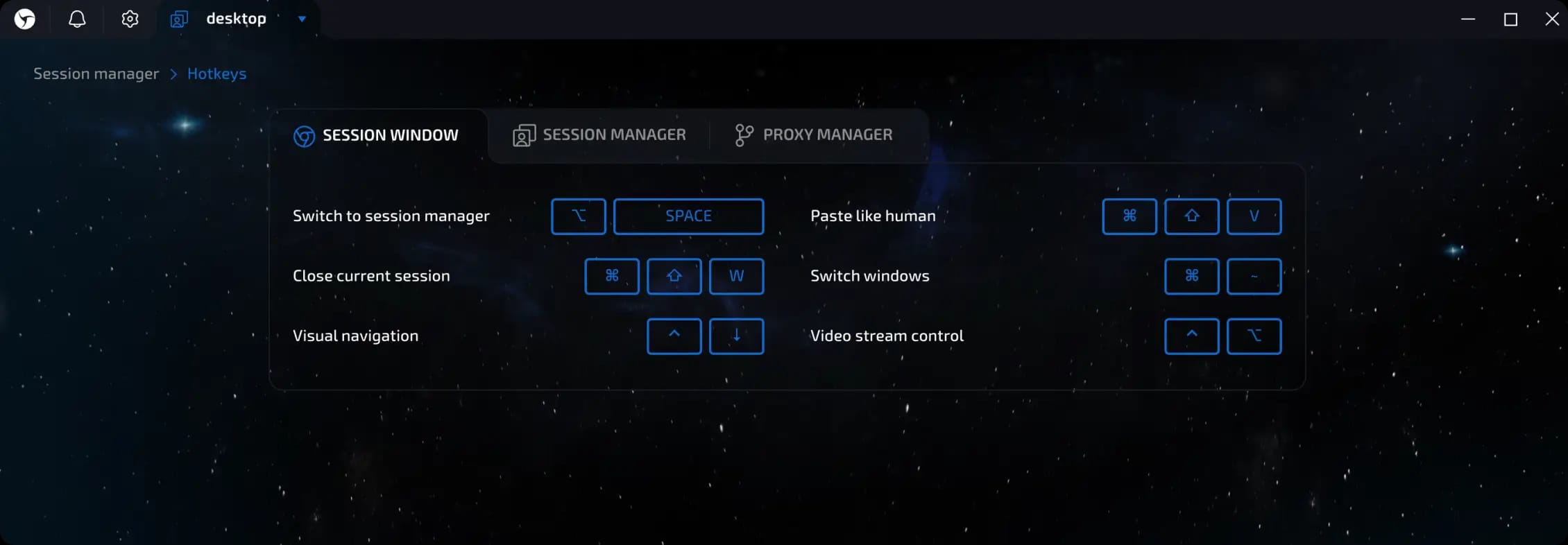
The combinations are divided into three sections—session manager, proxy manager, and browser window—and are accompanied by convenient visual cues.
Hotkeys for Mac
Session window
Go to Session Manager - ⌥ Option + Space
Close current session - ⌘ Cmd + ⇧ Shift + W
Human-like input - ⌘ Cmd + ⇧ Shift + V
Switch windows - ⌘ Cmd + ~
Visual navigation - Ctrl +
↓
Session Manager
Check proxy - ⌘ Cmd + E
Start session - ⌘ Cmd + R
Stop session - ⌘ Cmd + S
Set proxy - ⌘ Cmd + G
Change IP - Ctrl + H
Warm up - ⌘ Cmd + B
Send - ⌘ Cmd + T
Delete all data - ⌘ Cmd + ⇧ Shift + C
Delete session - ⌘ Cmd + D
Additional:
Search - ⌘ Cmd + F
Select all sessions - ⌘ Cmd + ⇧ Shift + A
Session creation mode - Ctrl + Q
Create new session - Ctrl + N
Create session preset - ⌘ Cmd + Y
Proxy manager - ⌘ Cmd + P
Bulk creation/import mode - ⌘ Cmd + O
Bulk session modification - ⌘ Cmd +
I
Proxy Manager
Search - ⌘ Cmd + F
Select all proxies - ⌘ Cmd + ⇧ Shift + A
Add new proxy - Ctrl + N
Open proxy import - ⌘ Cmd + ⇧ Shift + N
Check proxy - ⌘ Cmd + E
Delete proxy - ⌘ Cmd + D
Delete invalid proxies - ⌘ Cmd + ⇧ Shift + D
Hotkeys for Windows
Session window
Go to Session Manager - Ctrl + Space
Close current session - Ctrl + Shift + W
Human-like input - Ctrl + Shift + V
Session Manager
Check proxy - Ctrl + E
Start session - Ctrl + R
Stop session - Ctrl + S
Set proxy - Ctrl + G
Change IP - Ctrl + H
Warm up - Ctrl + B
Send - Ctrl + T
Delete all data - Ctrl + Shift + C
Delete session - Ctrl + D
Search - Ctrl + F
Select all sessions - Ctrl + Shift + A
Session creation mode - Ctrl + Q
Create new session - Ctrl + N
Create session preset - Ctrl + Y
Proxy manager - Ctrl + P
Bulk creation/import mode - Ctrl + O
Bulk session modification - Ctrl +
I
Proxy Manager
Search - Ctrl + F
Select All Proxies - Ctrl + Shift + A
Add New Proxy - Ctrl + N
Open Proxy Import - Ctrl + Shift + N
Check Proxy - Ctrl + E
Delete Proxy - Ctrl + D
Delete Invalid Proxies - Ctrl + Shift + D
Previous page
Next page